UNOFFICIAL FAN TOOLOne photo. One freestyle.
DAME HOMBRO YOUR AI FREESTYLE.
Make your own Dame Hombro video from one photo. Put yourself or your pet into a Bulin 47 inspired freestyle scene. Choose 10 or 15 seconds, then follow your video here.
One-time payment. One video. No auto-renewal.
PUT YOUR PHOTO IN THE MIX
9:16 / 480POne adult, facing the camera in a clear half-body photo, with clothing visible. No minors, celebrities or public figures.
One-time payment. One video. No auto-renewal.10s / 480P
Your photo uploads only when you confirm. One generation uses one video allowance. Photos are deleted after 7 days; videos are available for 60 days.
THE DAME HOMBRO VIDEO WALL
Dame Hombro — One freestyle. So many versions.
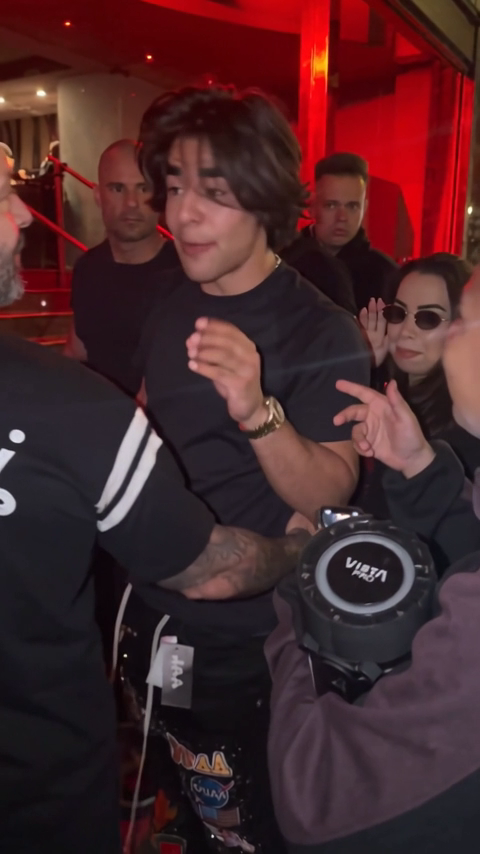
Explore Dame Hombro person and pet demos, community remixes and the original clip. Tap to play. Short excerpts are labeled; examples do not guarantee a particular result.
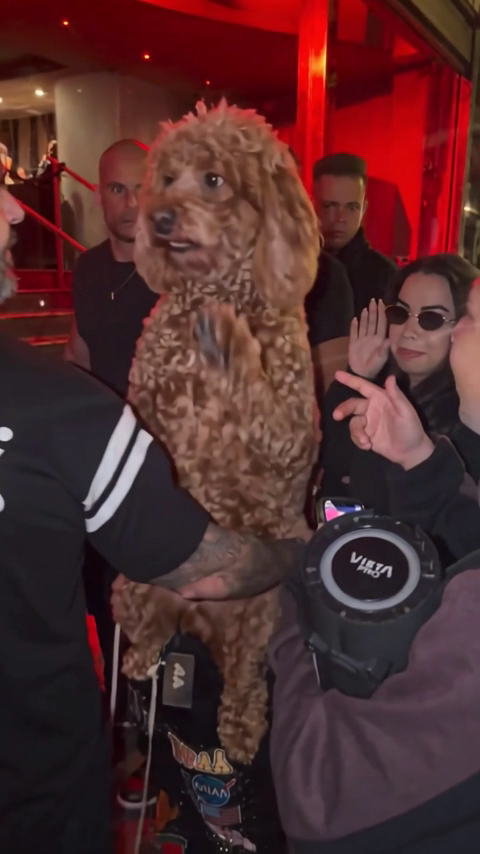
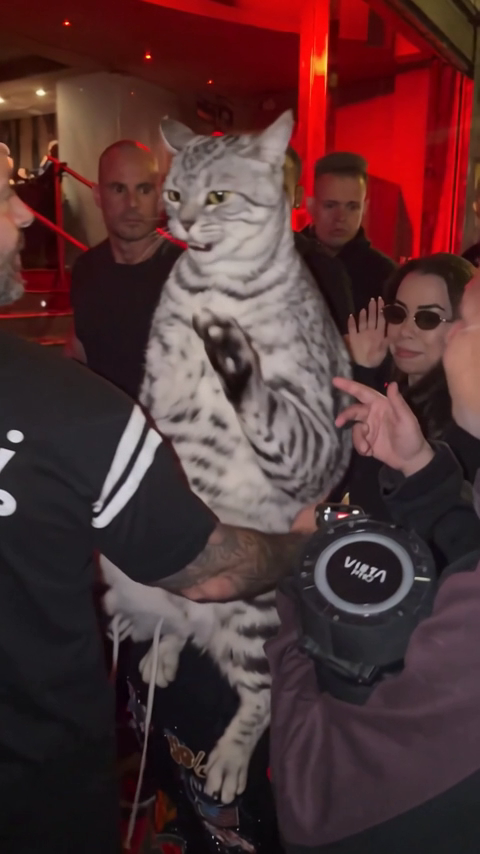
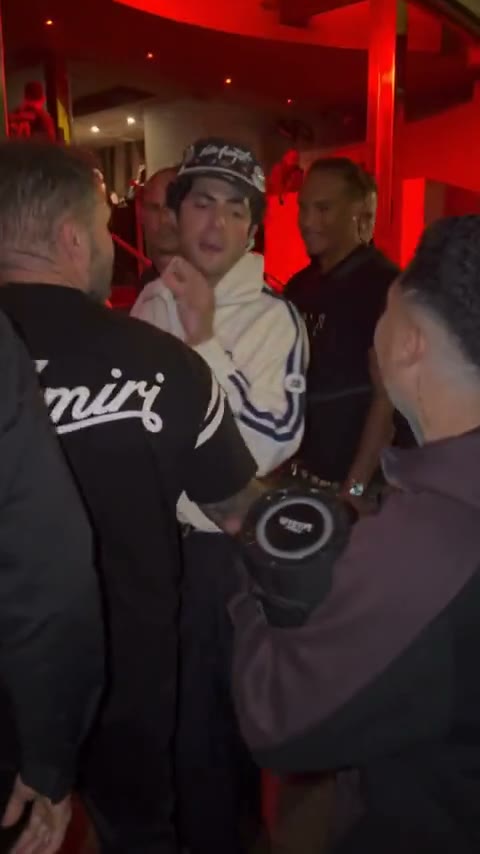
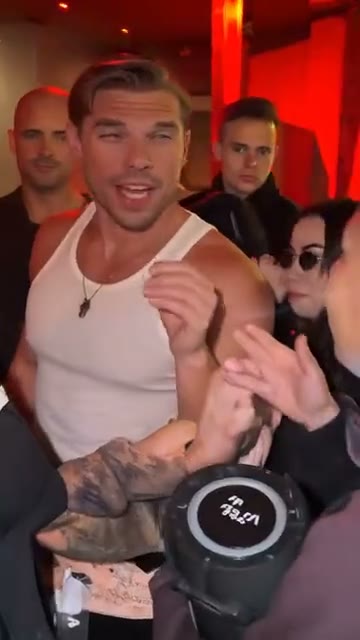
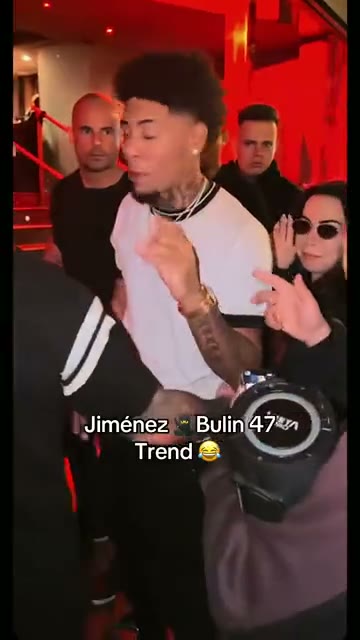
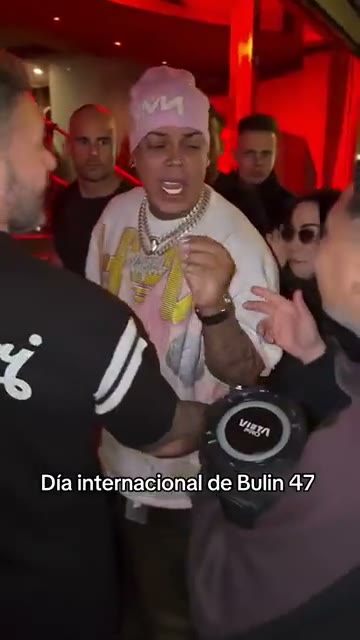
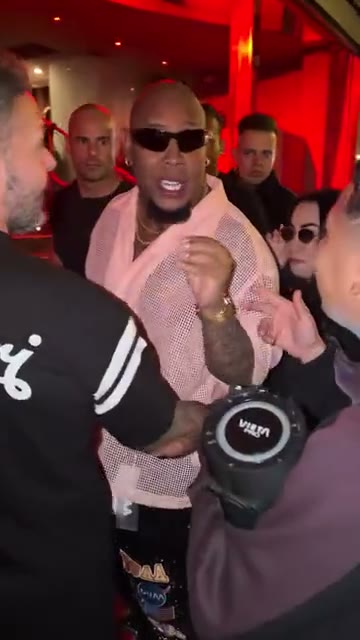
Where the freestyle began
A six-second excerpt of the original, credited to @kevincitooficial11.
@kevincitooficial11
ONE PHOTO. YOUR OWN SCENE.
What is the Dame Hombro AI video generator?
Dame Hombro is a photo-to-video tool for creating a personalized take on the Bulin 47 freestyle scene. Instead of filming or assembling an edit, you upload one photo and AI places your subject into a scene inspired by the reference video’s framing, movement and atmosphere.
Choose a person or a pet, select a 10 or 15 second clip, and generate a vertical video in your browser. This is an independent fan tool. The examples show the style of the effect; each AI-generated result can look different.
How to make a Dame Hombro video
Start in the video maker above. Your account keeps the task status and finished download together.
Choose a clear photo
Upload a JPG, PNG or WebP image up to 4 MB. Select a person or a pet and use a front-facing photo with the face and upper body visible. Confirm that you have permission to use the image.
Pick your video length
Select 10 or 15 seconds and check that your account has an allowance for that duration. Sign in with Google, then confirm generation. The photo uploads only after you confirm.
Follow, play and download
Watch the progress in My videos. Processing continues if you close the page. When the video is ready, play it in your browser and download the MP4 before its availability period ends.
Your photo, the Dame Hombro freestyle effect
People and pets
Choose the subject that matches your photo. The person and pet modes guide the AI to preserve the subject’s recognizable appearance while adapting the reference movement.
10 or 15 second videos
Pick a quick 10 second clip or a longer 15 second version. Video allowances are specific to the selected duration, so check the length before starting.
Vertical photo-to-video
Create 480p video in a vertical 9:16 layout. Download the completed MP4 to use in your own vertical video edit or social post.
A saved result in your account
Generation runs in the background and the result appears in My videos. Finished files are stored privately and made available through access links from your account.
Photo tips for a better Dame Hombro video
Give the AI one easy-to-read subject. A sharp photo with even lighting provides more useful detail than a distant, blurred or heavily filtered image. Leave space around the head and shoulders so the subject is easy to distinguish.
- For a person: use one adult facing the camera, with clothing and the upper body visible. Use your own photo or one you have permission to animate.
- For a pet: keep the face, ears and upper body in frame. Avoid a very tight crop or an image where another animal overlaps the subject.
- For either subject: avoid large text, stickers and objects covering the face. Check the photo preview and the selected duration before confirming.
Dame Hombro video specifications
- Photo upload
- JPG, PNG or WebP · up to 4 MB
- Clip length
- 10 or 15 seconds
- Generation format
- 480p · vertical 9:16 · MP4 download
- File availability
- Uploaded photos: 7 days · finished videos: 60 days
Dame Hombro questions, answered
Do I need video editing skills to use Dame Hombro?
No editing timeline or filming is required. Choose a photo, a subject and a duration in the browser. The generator uses the reference scene to guide the motion, and you can download the completed video for further editing if you wish.
Can I make a Dame Hombro video with my dog or cat?
Yes, the generator includes a pet option. Use a clear photo of one pet and select My pet before starting. Results depend on the photo and the provider’s generation and review process; an example is not a guarantee of an identical result.
Which photos can I upload?
The upload accepts JPG, PNG and WebP files up to 4 MB. Use a photo that you own or have permission to animate. Person photos must show an adult; the upload guidance excludes minors, celebrities and public figures.
How long is a Dame Hombro video?
Choose 10 or 15 seconds. Videos use a vertical 9:16 layout and 480p generation quality. A successful result is available to download as an MP4 file.
Does the generated video include audio?
Yes. Finished videos include the original template soundtrack for the selected duration. You can play or download them once ready. Failed generation restores your video allowance.
Is Dame Hombro free to use?
Browsing examples is free. Each payment buys one video: $9.90 for 10 seconds or $14.85 for 15 seconds. Durations are counted separately, with no subscription. Payments are processed through Waffo.
What happens if a generation fails or I close the page?
Closing the page does not stop a submitted task. Sign in again to see its progress in My videos. If the task is marked failed, its video allowance is restored automatically. While a task is pending, wait for its status instead of submitting it again.
How long are my photos and videos kept?
Uploaded photos are deleted after 7 days. Completed videos remain available for 60 days, so download a copy while it is available. Your generated videos are accessed from your signed-in account, and you can delete a finished result from My videos.
Make your own Dame Hombro video
Choose the photo, pick your length and take your turn in the freestyle scene.
YOUR TURN, ON REPEAT
My videos
Your videos and generation progress live here.